
What Gas Stations Take Apple Pay? Get Answers in 2026
Learn how to find a gas station that takes Apple Pay and use tap to pay at the pump—plus faster stops with diesel, DEF, parking, and amenities in Stouffville.
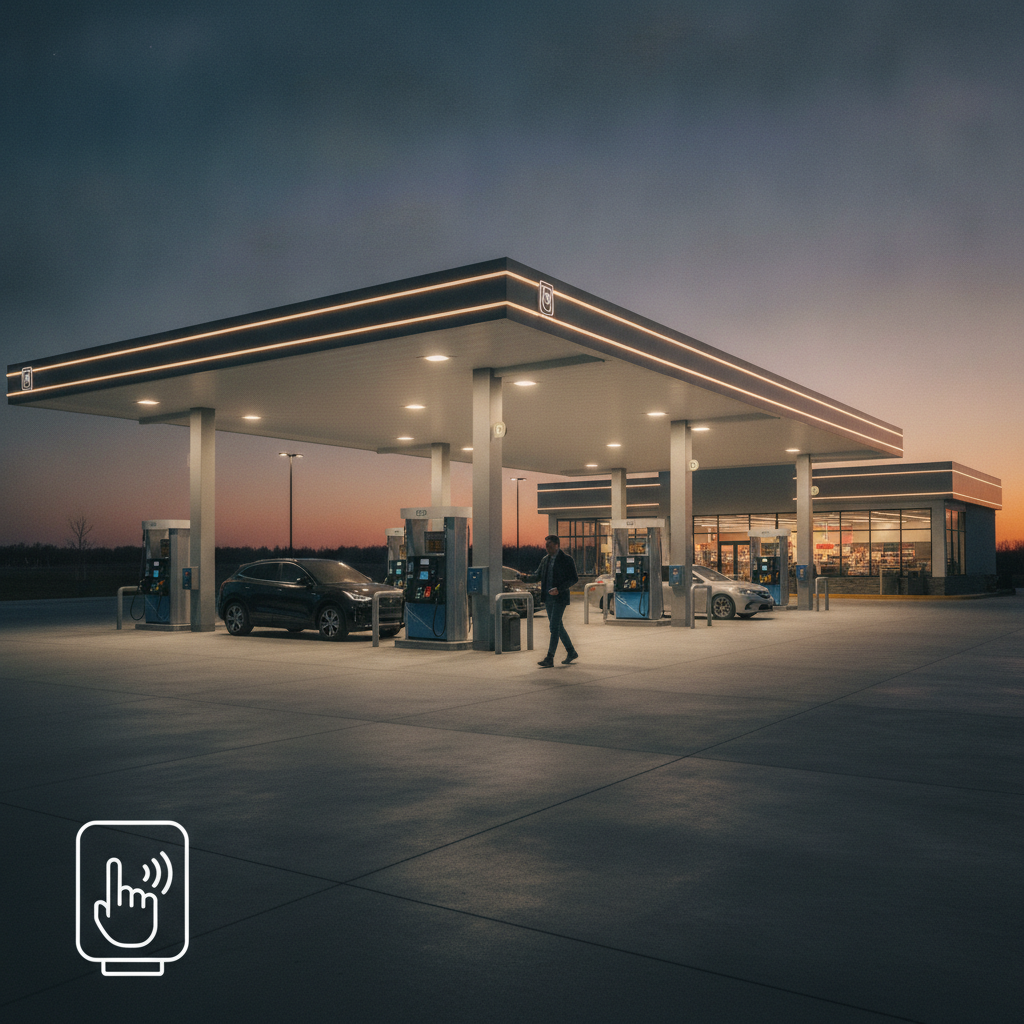
Gas stations that take Apple Pay are fuel stops with contactless-enabled pumps or in-store terminals where you can tap your iPhone or Apple Watch to pay. In Stouffville, modern stations increasingly support tap to pay. At Esso Bloomington, pay-at-pump contactless terminals let most Apple Wallet cards work for fast, secure fueling.
By Esso Bloomington • Last updated: 2026-06-27
Summary
Apple Pay at gas stations works anywhere the pump or cashier terminal displays the contactless symbol. Add a supported card to Apple Wallet, unlock your device, and hold near the reader. At Esso Bloomington in Stouffville, contactless pay-at-pump terminals support quick, secure taps for everyday drivers and fleet vehicles.
This guide shows you where Apple Pay works at the pump, how to set it up, and what to check if a terminal doesn’t read your tap. You’ll see time-saving tips for daily commuters, fleet managers, and truck drivers who rely on retail diesel, DEF, and on‑site parking at Esso Bloomington.
- Understand how Apple Pay works at fuel pumps and in-store terminals.
- Use a quick checklist to spot a gas station that takes Apple Pay.
- Follow step-by-step setup and troubleshooting.
- Blend fueling with errands: Country Style coffee, convenience, and LCBO.
- Optimize fleet fuel routines with diesel, DEF, and contactless speed.
What is Apple Pay at gas stations?
Apple Pay at gas stations is a contactless payment method that uses NFC to transmit a secure, tokenized card credential from your iPhone or Apple Watch to the pump or cashier terminal. If the reader shows the contactless symbol, you can tap and go without swiping or inserting a physical card.
Apple Pay replaces your physical card data with a device-specific token and one‑time cryptogram. That means the station never sees your full card number at the pump. For drivers, the result is faster fueling with fewer touchpoints and less time idling.
- Tap-to-pay speed: Most taps authorize in seconds, keeping lines shorter during rush periods.
- Security by design: Tokenization helps shield your actual card number during transactions.
- Works at pump or counter: If a pump’s reader isn’t active, Apple Pay often works at the cashier inside.
- Supports rewards: Paying with a rewards card in Apple Wallet still accrues points per your issuer’s terms.
At Esso Bloomington, contactless pay-at-pump is part of an efficient, 24/7 fueling experience that pairs with Country Style food and a full convenience selection so you can fuel, refresh, and roll in one stop.
Why it matters for drivers and fleets
Apple Pay matters because it cuts friction at the pump, improves security, and supports quick in‑and‑out fueling. For commuters, it reduces wait times. For truck and fleet drivers, it pairs with retail diesel, DEF, and parking to maximize route efficiency at one location.
When you’re managing a schedule, every minute matters. Contactless taps reduce the time you spend at the dispenser, and you avoid keypad or card-reader issues that cause hold-ups. Less handling also helps in colder weather when gloves and cards don’t mix well.
- Commuters: Tap, refuel, grab a coffee, and go—without juggling wallets or PIN pads.
- Fleet drivers: Streamline stops by pairing contactless fueling with on‑site diesel, DEF, and parking.
- Local errands: Combine fueling with LCBO convenience and Country Style to save an extra trip.
- Security: Tokenized payments help protect your card details compared with magstripe swipes.
In our experience serving the Stouffville community, the fastest stops happen when drivers plan the whole visit: fuel, air pump, quick snack, and any convenience or LCBO items—then back on the road. Apple Pay simply removes one more step.
How Apple Pay works at the pump
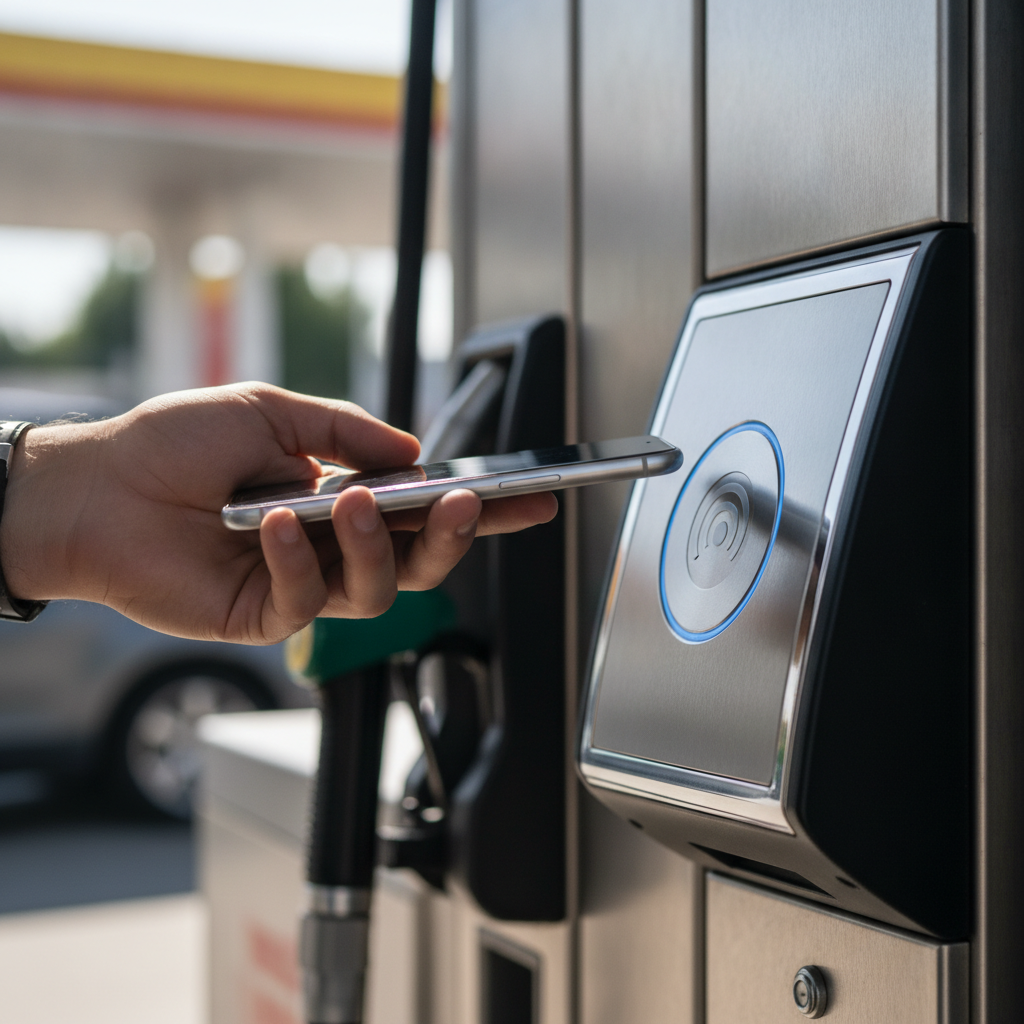
At a contactless-enabled pump, you select the pump’s payment option, open Apple Wallet, authenticate with Face ID/Touch ID, and hold your device near the reader. A brief vibration or chime confirms payment. Then select your grade and begin fueling.
Under the hood, Apple Pay uses industry-standard NFC and tokenization so your card number isn’t shared. The terminal verifies the one‑time cryptogram with your network through the processor. This keeps each transaction unique. If a pump lacks contactless, most stations accept Apple Pay at the counter inside.
- Look for the symbol: The contactless wave icon on the pump or screen indicates tap functionality.
- Wallet ready: Keep your default card set so the tap flows without menu navigation.
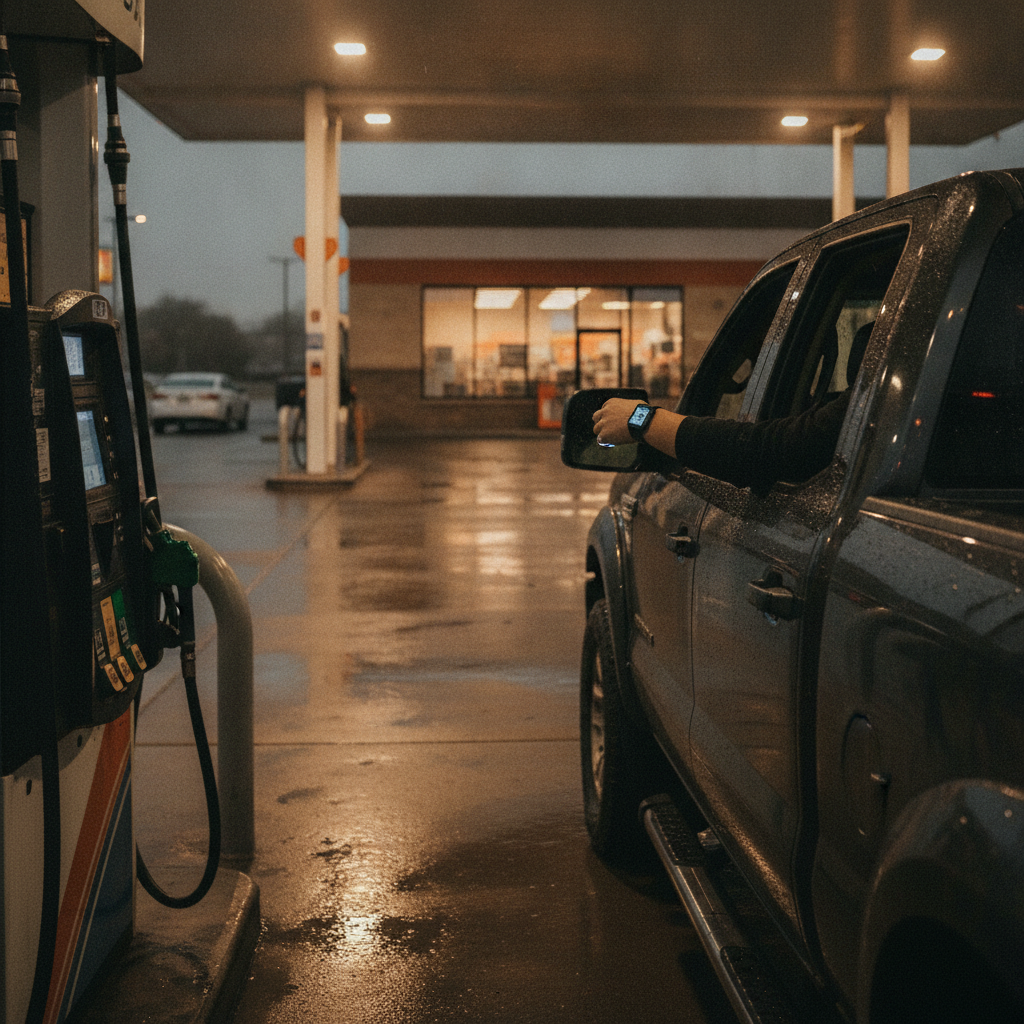
- Watch or phone: Apple Watch taps are ideal when your hands are full or gloved.
- Receipts: Many terminals support digital receipts; otherwise, request one in-store.
We’ve found that first‑time users appreciate a quick practice tap in-store. After that, using Apple Pay at the pump feels natural and consistently quick.
How to spot a gas station that takes Apple Pay
You can tell a gas station supports Apple Pay by the contactless symbol on the pump or by a “tap to pay” prompt on the screen. If unsure, ask staff if the pump’s NFC reader is active or pay inside where Apple Pay is often enabled at the cashier.
- At the pump: Contactless wave icon near the card slot or on-screen prompt like “Tap/Apple Pay.”
- At the door: Stickers showing accepted wallets or cards near the entrance reader.
- In-store: Modern PIN pads usually accept tap; if the forecourt is down, pay inside.
- Backup plan: Keep a physical card handy for rare terminals undergoing maintenance.
Esso Bloomington features contactless pay-at-pump for a fast start. If a particular dispenser is temporarily offline, Apple Pay taps typically work at the cashier inside, right alongside Country Style coffee and the convenience store counter.
Step-by-step: setup and your first tap
Add a supported card to Apple Wallet, verify with your bank, and set a default card. At the pump, wake your iPhone or Apple Watch, authenticate, and hold near the reader until you feel a confirmation. Then select your fuel and begin fueling.
- Add your card: Open Wallet, tap the add button, and follow prompts to add a debit or credit card.
- Verify: Complete your bank’s verification step so the card is ready for contactless.
- Set default: Choose a default card to shave seconds off each tap.
- At the pump: Select pay, authenticate, and hold the device a couple of inches from the reader.
- Confirm: Wait for haptic feedback or a chime. Then choose grade and start fueling.
- Receipt: Save digital or printed proof for mileage logs or fleet reporting.
From there, pairing fueling with errands is simple: pick up a hot coffee or Indian chai at Country Style, grab convenience essentials, or handle LCBO convenience while your vehicle is parked on-site.
Troubleshooting when a tap doesn’t work
If a tap fails, check the contactless symbol, try a second tap after authenticating again, and move your device slightly to align the NFC antenna. If the pump’s reader is down, use Apple Pay inside or a physical card at the pump.
- Reader alignment: Move your iPhone or Watch around the symbol; slight position changes help.
- Authentication: Ensure Face ID/Touch ID just succeeded before presenting the device.
- Network delay: Give the terminal a few seconds to request approval during busy times.
- Fallback: Pay inside with Apple Pay at the cashier if the forecourt reader is unavailable.
- Card issuer rules: Some issuers may limit certain transaction types; try a different Wallet card.
We also recommend keeping your Wallet and iOS watchOS up to date; software updates often improve compatibility with newer readers.
Payment security and privacy with Apple Pay
Apple Pay replaces your card number with a device-specific token and a unique, one-time code for each purchase. This design helps reduce exposure of full card details and limits the reuse of data even if a merchant system is compromised.
Tokenization and biometric authentication work together to prevent unauthorized use. If your phone is lost, you can suspend Wallet cards through your account without canceling the physical card immediately. This layered approach helps drivers protect payment details during everyday fueling.
For a deeper primer on tokenization and tap to pay, see this clear overview from Shopify’s Apple Pay guide. It explains how Wallet provisioning and secure elements support modern contactless payments.
“Pricing,” rewards, and value (no dollar amounts)
While we won’t discuss prices, you can increase value by pairing Apple Pay speed with rewards and efficient stops. Use Apple Wallet cards that earn points, and combine fueling with errands—coffee, convenience items, and LCBO—to save time and mileage.
- Rewards stacking: Many issuers honor rewards earned via Apple Pay the same as plastic swipes.
- PC Optimum habit: Present your loyalty barcode separately per program rules to keep points flowing.
- Time savings: One efficient stop reduces idle time and extra trips.
- Fleet logs: Save receipts right after fueling to keep reporting accurate.
For merchants, platform documents like Shopify’s Apple Pay terms highlight formal requirements that enable contactless acceptance, which is the same technology you use at the pump.
Types of contactless experiences at fuel stations
You’ll encounter contactless in three places: at the pump, inside at the cashier, and in some apps that enable pay-by-app with a scan or tap. If one method is unavailable, another often keeps your visit fast and secure.
- At-pump NFC: Tap right at the dispenser, then select grade—fastest when queues build.
- In-store tap: If a pump reader is down, most modern PIN pads accept Apple Pay.
- App-assisted: Some stations offer app-based authorization; you still tap or scan to confirm.
- Wearables: Apple Watch taps keep gloves on and wallets in pockets—great in winter.
Esso Bloomington emphasizes reliable at-pump NFC acceptance so drivers can move quickly, then handle Country Style orders or convenience purchases in one stop.
Comparison: ways to pay at the pump
Apple Pay and other contactless taps are fast and secure, while chip cards are widely compatible but slower. In-store payments offer support if a pump reader is down. Choose the method that balances speed, security, and certainty for your stop.
| Method | Speed | Security | Best Use Case |
|---|---|---|---|
| Apple Pay at pump | Very fast | Tokenized | Everyday fueling, gloves on, quick exit |
| Tap in-store | Fast | Tokenized | When a dispenser reader is offline |
| Chip + PIN | Moderate | EMV | Universal fallback at most terminals |
| Magstripe | Varies | Lower | Legacy fallback only |
If you’re managing fleet fuel, consistency matters. Standardize on the fastest accepted method across your drivers so every stop follows the same routine.
Best practices for smoother, faster stops
Keep your default Wallet card set, confirm the contactless symbol before you park, and plan your in-store tasks while the tank fills. Small habits like saving the receipt immediately can trim minutes from multi-stop days.
- Before arrival: Glance for the wave icon on the pump to ensure NFC is active.
- Set defaults: Put the most-used card first in Apple Wallet.
- Combine errands: Fuel, then grab coffee, snacks, or LCBO items while parked.
- Check tires: Use the air pump right after fueling when tires are warm for accurate readings.
- Fleet routine: Capture receipts, odometer, and unit number in one motion.
These routines are simple, but they stack. Over a busy week, you’ll feel the time you save.
Tools and resources for Apple Pay success
Use your Wallet’s default card, keep iOS and watchOS updated, and learn the contactless symbol so you can spot it from the driver’s seat. Merchant documentation on Apple Pay also clarifies how contactless acceptance works.
- Wallet hygiene: Remove expired cards and re‑verify any card that stopped working.
- Software updates: Updates often improve compatibility with new terminals.
- Symbol literacy: The contactless wave marks an active reader at a glance.
- Merchant docs: See this primer on tap to pay on iPhone for how contactless acceptance works at the terminal level.
Knowing the basics helps you troubleshoot fast when you meet a new dispenser layout on the road.
Case examples from Stouffville drivers
Drivers in and around Stouffville use Apple Pay to streamline everyday trips. Common patterns: quick morning fuel-ups with a coffee, fleet diesel plus DEF on lunch breaks, and evening stops that combine convenience items with one tap at the pump.
- The early commuter: Refuels before sunrise, taps with Apple Watch, grabs a bagel and coffee at Country Style, and beats the line.
- The fleet driver: Pulls into on‑site parking for a diesel + DEF run, pays contactlessly, and logs the receipt on the spot.
- The weekend errand run: Fuels up, then picks up convenience items and LCBO purchases—one efficient stop, no extra driving.
- The winter refueler: Keeps gloves on, taps the Watch, and avoids keypad input in cold wind.
- The road-tripper: Tops up, refreshes with Indian chai or a snack, and heads out without handling a wallet.
- The late-night driver: Uses 24/7 access, appreciates bright lighting and quick in‑and‑out taps.
- The parent on pickup duty: Taps at the pump, grabs water bottles and donuts for the kids, and keeps the schedule intact.
- The contractor: Uses Apple Pay for fast weekday morning stops, then checks tires at the air pump before jobsite arrival.
- The rideshare driver: Maximizes time-on-trip by pairing a top-up with a bathroom break and a quick snack—no line at the counter.
- The snack-and-go: Fuels, taps, and picks up samosas or patties for the drive—simple and quick.
- The loyalty maximizer: Presents rewards and still pays with Apple Pay on a compatible card.
- The app experimenter: Tries tap at the pump first; if offline, pays in-store without missing a beat.
- The meticulous logger: Saves each digital receipt for mileage tracking right in the car.
These scenarios highlight the same theme: fewer touchpoints, more predictable stops, and a routine that works no matter the hour.
Local considerations for Stouffville drivers
Plan stops around your peak hours. In colder months, use wearables for taps and check tire pressure while the air is warmer after driving. When combining errands, park once, handle Country Style, convenience, and LCBO items, then head out.
Local considerations for Stouffville
- Peak-time planning: Align refuels with your commute windows to avoid forecourt congestion and keep taps quick.
- Seasonal routine: In winter, use Apple Watch taps with gloves and verify tire pressure at the air pump after short drives.
- One-stop efficiency: Pair fueling with Country Style, convenience essentials, and LCBO in a single visit to minimize extra trips.
Frequently Asked Questions
These quick answers help you set up, verify, and use Apple Pay at gas stations with confidence. If a pump reader is offline, remember you can usually complete your tap in-store at the cashier.
How do I know if a gas station takes Apple Pay?
Look for the contactless symbol on the pump or the cashier terminal. Many modern stations show a “tap” prompt on-screen. If the forecourt reader is down, Apple Pay often works at the counter inside with the same iPhone or Apple Watch.
Does Apple Pay work for diesel and DEF purchases?
Yes, as long as the pump or in-store terminal supports contactless. At stations with retail diesel and DEF, the tap process is the same. If a particular dispenser’s reader is offline, complete the tap with the cashier.
Is Apple Pay safer than swiping my card?
Apple Pay uses tokenization and a one-time code, so your actual card number isn’t shared with the terminal. This reduces exposure compared with magstripe swipes. You still benefit from your bank’s normal protections and dispute processes.
What if my tap won’t register at the pump?
Re-authenticate Face ID or Touch ID and try moving your device slightly around the contactless symbol. If it still doesn’t register, go inside and tap at the cashier or use a physical card as backup. Updating iOS and Wallet can also resolve issues.
Plan a faster stop today
Fuel up with contactless speed, then grab coffee, snacks, or LCBO items in one visit. Esso Bloomington brings 24/7 fueling, retail diesel, DEF, on‑site parking, an in-store Country Style, and convenience essentials together for a smoother route.
Want a smoother routine? Swing by during your normal commute window and try a contactless tap at the pump. Then check tire pressure, pick up coffee, and leave with everything you needed from one address.
Key takeaways
Apple Pay makes fueling faster and safer. Look for the contactless symbol at the pump or pay inside. Pair taps with on‑site diesel, DEF, parking, and errands at Esso Bloomington to compress your stop into one predictable routine.
- Apple Pay is accepted wherever the contactless symbol appears at pumps or cashier terminals.
- Set a default card in Apple Wallet and keep software updated for smoother taps.
- When a pump reader is offline, Apple Pay usually works at the cashier inside.
- Combine fueling with Country Style, convenience items, and LCBO for one efficient stop.
- Fleet drivers benefit from consistent, quick taps plus diesel, DEF, and parking on-site.
Tools you can use on every stop
Make Apple Pay second nature: set a default card, watch for the symbol, and save your receipt right after fueling. A few repeatable habits will keep your stops short and predictable across the week.
- Default card first in Wallet; secondary card second for backup.
- Glance for the contactless wave icon before parking at a dispenser.
- Use Apple Watch taps when wearing gloves or carrying items.
- Save or photo your receipt for mileage or fleet reporting before leaving the forecourt.
How this connects to fleet fuel
For fleets, contactless taps standardize fueling while retail diesel, DEF, and on‑site parking keep drivers moving. A predictable, one-stop routine improves schedule control and reduces idle time across a route.
Esso Bloomington supports professional drivers with retail diesel, DEF, parking, and in‑store essentials. Consistent Apple Pay acceptance at the pump means drivers can replicate the same quick routine daily. Documentation from platforms like tap to pay resources shows how contactless terminals underpin that speed.
Conclusion
A gas station that takes Apple Pay helps you fuel faster with less friction and stronger security. In Stouffville, Esso Bloomington’s pay‑at‑pump contactless terminals, plus diesel, DEF, parking, and on‑site amenities, make one stop do the work of three.
- Look for the contactless symbol on the dispenser or pay inside.
- Set up Apple Wallet once; keep it updated.
- Pair fueling with errands—coffee, convenience, LCBO—for route efficiency.
- Fleet drivers: standardize your process and capture receipts on the spot.
Ready to test a faster routine? Visit us in Stouffville, try an Apple Pay tap at the pump, and see how one organized stop sets up the rest of your day.